

October 30, 2026
Why Printed Colours Don’t Match Your Screen
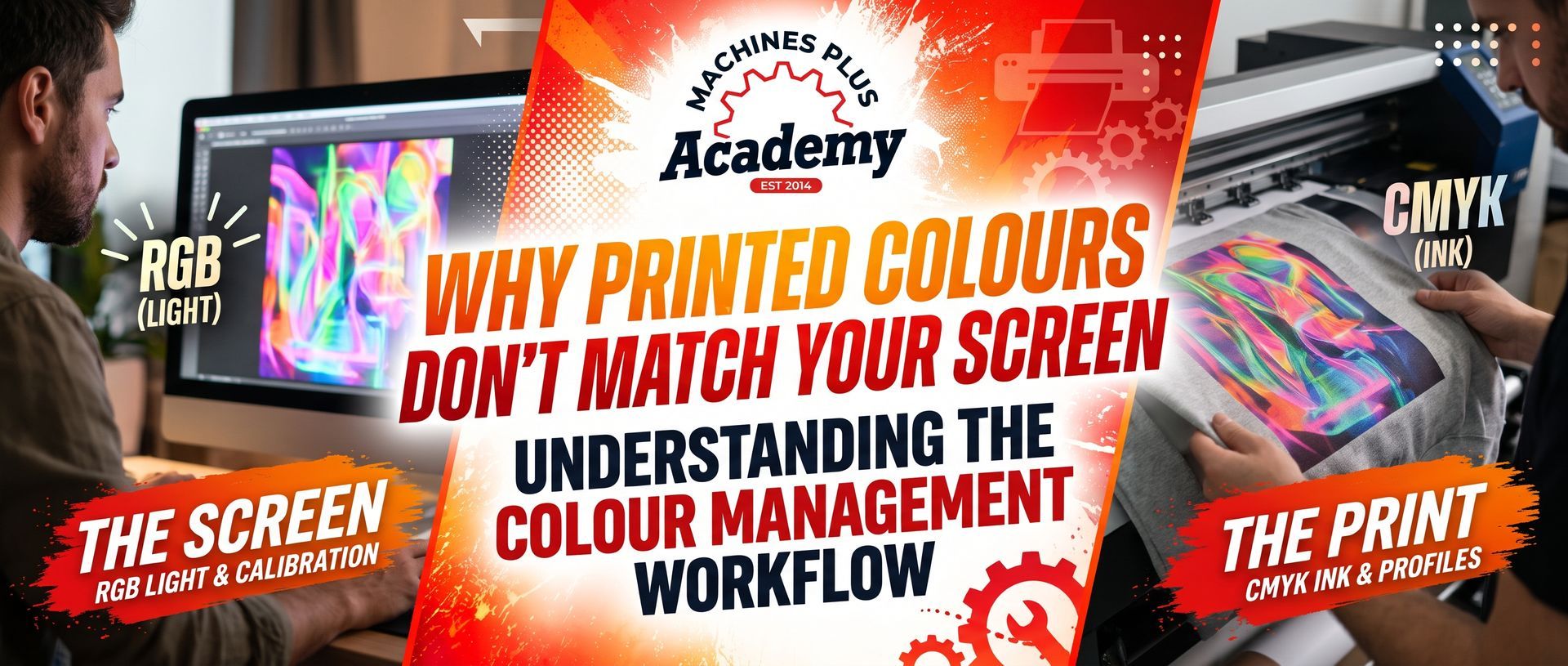
One of the most common questions in digital printing is:
“Why doesn't the print look like the colour on my monitor?”
The answer usually begins with the fact that a screen and a printer create colour in completely different ways.
Your monitor emits light. Your printer places ink onto a physical surface.
Artwork colour space, monitor calibration, RIP software, ICC profiles, ink, media, garments and viewing conditions can all influence the final appearance.
This Machines Plus Academy guide explains colour management in plain English and shows why accurate colour is a workflow — not simply a printer setting.
Download link:
Download the Machines Plus Colour Management Guide